Azure Windows Virtual Desktop Public Preview Walkthrough
- 2019.03.24
- azure Windows Virtual Desktop VDI
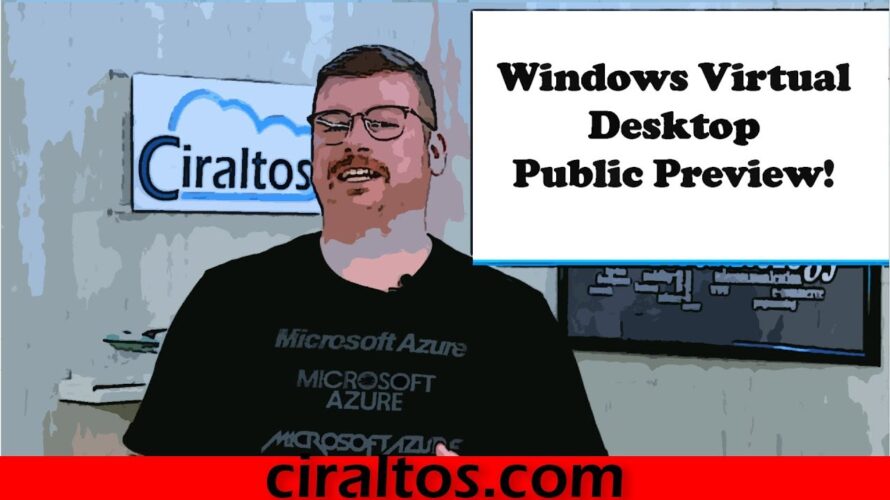
10/2019 – Updated video here https://youtu.be/rnLdQSWUi4w
In this video I do a walk through of setting up the new Microsoft Azure service, Windows Virtual Desktop (WVD). I start by comparing WVD with Remote Desktop Services (RDS). After that, I give a tutorial on setting up the tenant, adding the PowerShell Modules required to configure the service, and finally walk through deploying a host pool from the Azure Marketplace and logging in with the HTML5 client. This service is an alternative to Remote Desktop Services. It uses a PaaS offering to replace the RD Web, RD Gateway and Connection Broker. Windows 10 1809 multi user or Windows 7 is used to host remote desktop sessions.
Microsoft Documentation:
https://docs.microsoft.com/en-us/azure/virtual-desktop/overview
-
前の記事

DIY Home Office: Decor & Plants | A Youtuber’s work space 2019.03.22
-
次の記事

Google Cloud Platform 導入事例 – 株式会社DeNA 2019.03.27