Power Automate: SharePoint list Automation of Weekly tasks (Export + Reset Tasks)
- 2025.10.02
- Power Automate(Flow)
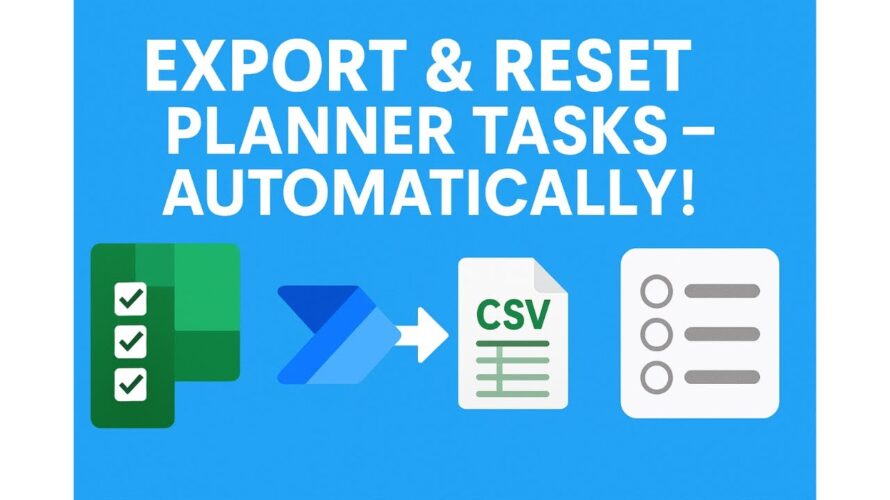
Tired of re-creating weekly checklists in Microsoft Planner? In this video, I’ll show you how to use Microsoft Lists with Power Automate to automatically export all your tasks as a CSV or Excel file each week — and then reset every task back to “Not started.”
This method keeps a weekly record AND gives your team a fresh checklist without the confusion of recurring tasks in Planner. Perfect for student workers, front desk teams, or anyone running repeating weekly duties.
What you’ll learn:
Why Planner isn’t ideal for repeating weekly checklists
How to set up a Microsoft List for tasks
Step-by-step Power Automate flow:
→ Export tasks to CSV
→ Save to OneDrive or SharePoint
→ Reset task status automatically
Subscribe for more Microsoft 365 automation tips with Power Automate, SharePoint, and Planner.
Chapters:
0:00 – The problem with Planner recurring tasks
0:45 – Why Microsoft Lists works better
1:20 – Build your weekly task list (columns setup)
2:15 – Create the Power Automate flow (step by step)
4:30 – Export tasks to Excel automatically
5:20 – Reset all statuses to “Not started”
6:00 – How students/team members use the list
6:45 – Wrap up + next steps